
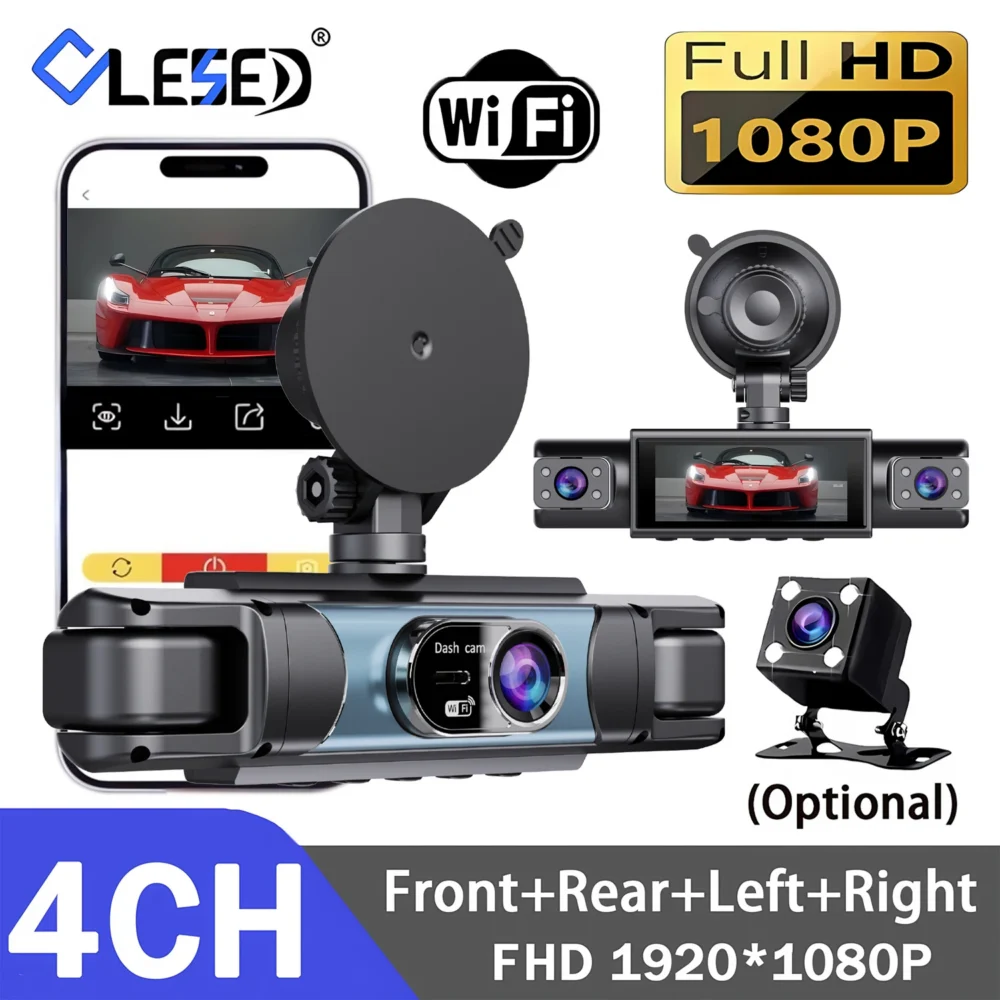
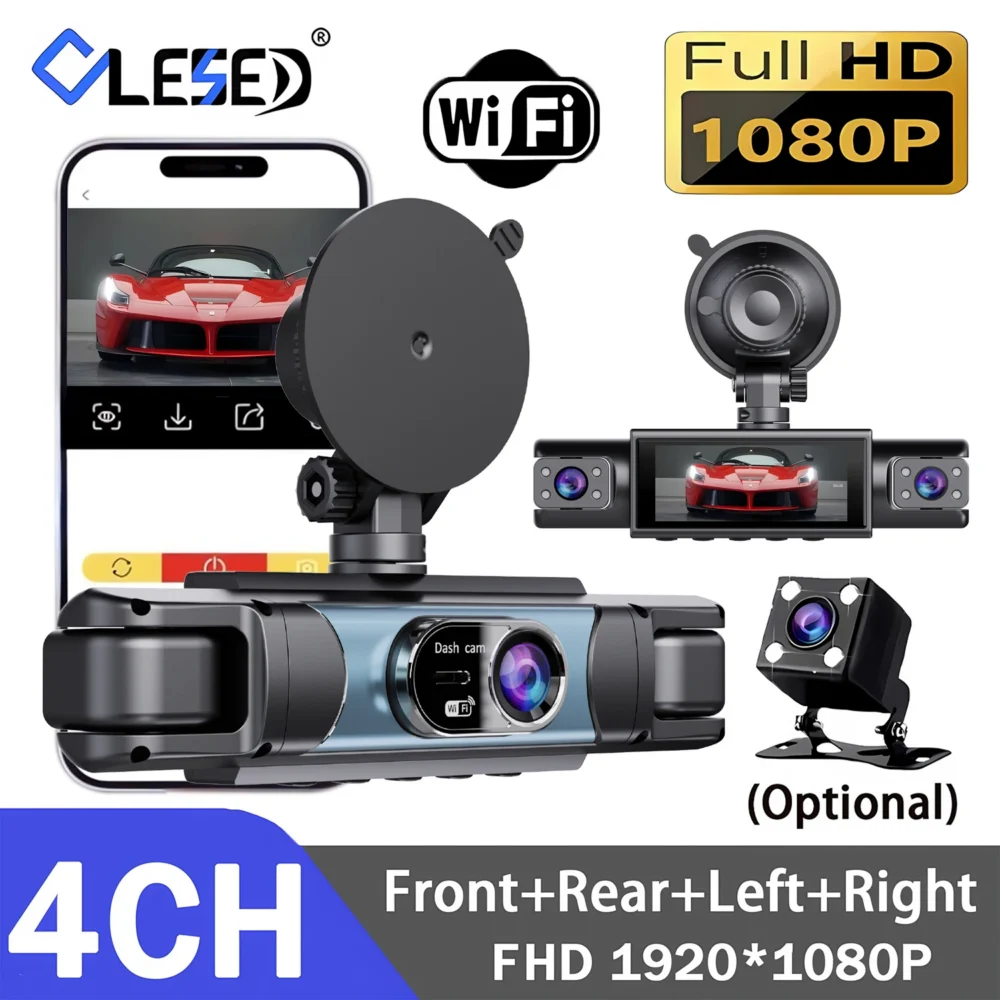
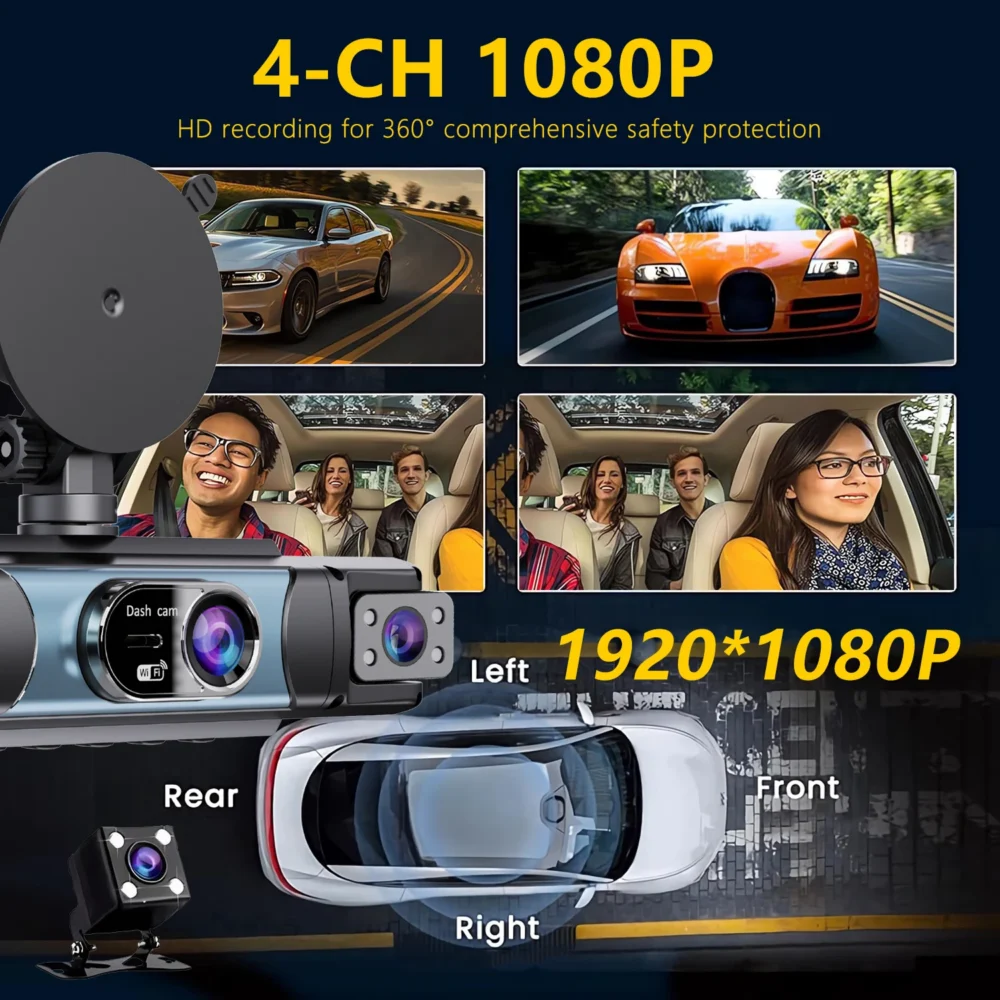
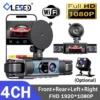
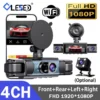
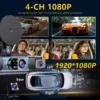

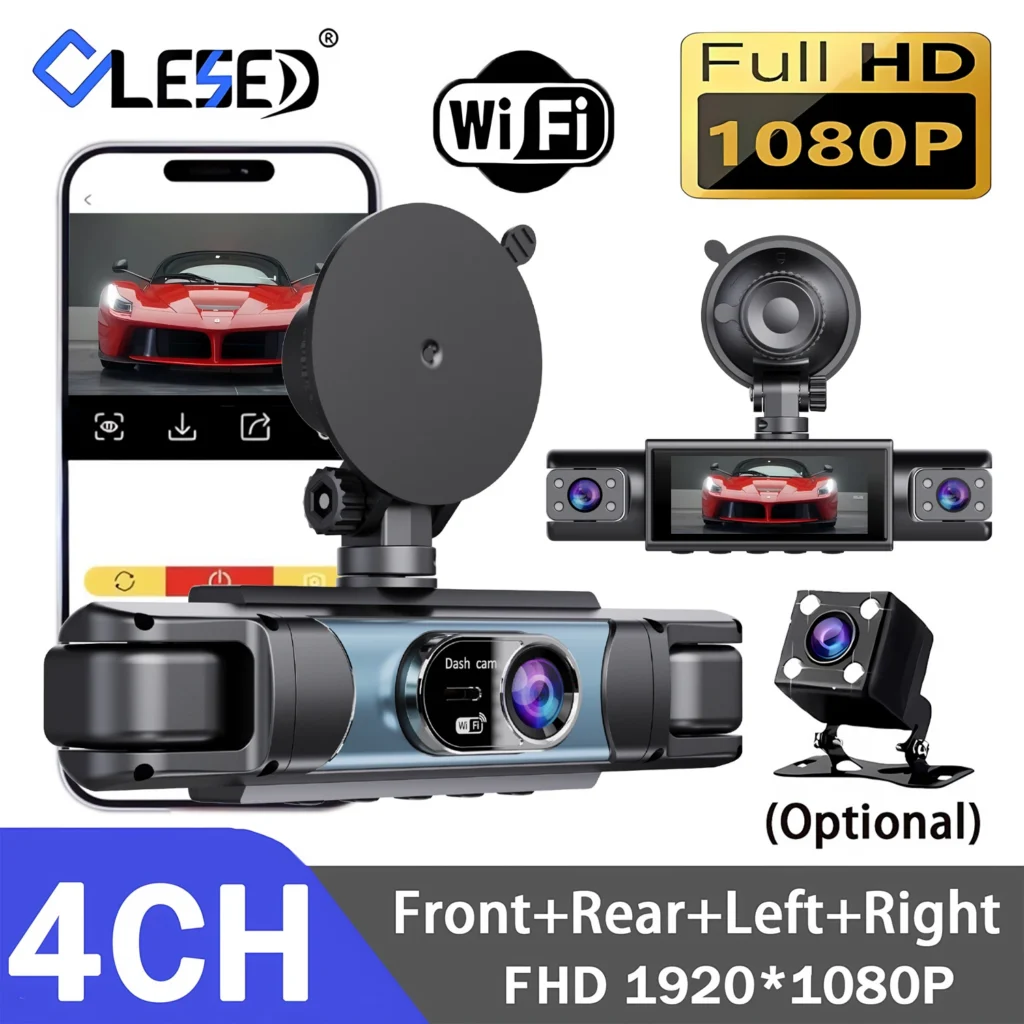
4-channel car DVR dash cam delivers reliable front-and-rear 1080P recording with WiFi connectivity for on-phone playback and easy setup.
Why choose a 4-channel car DVR dash cam?
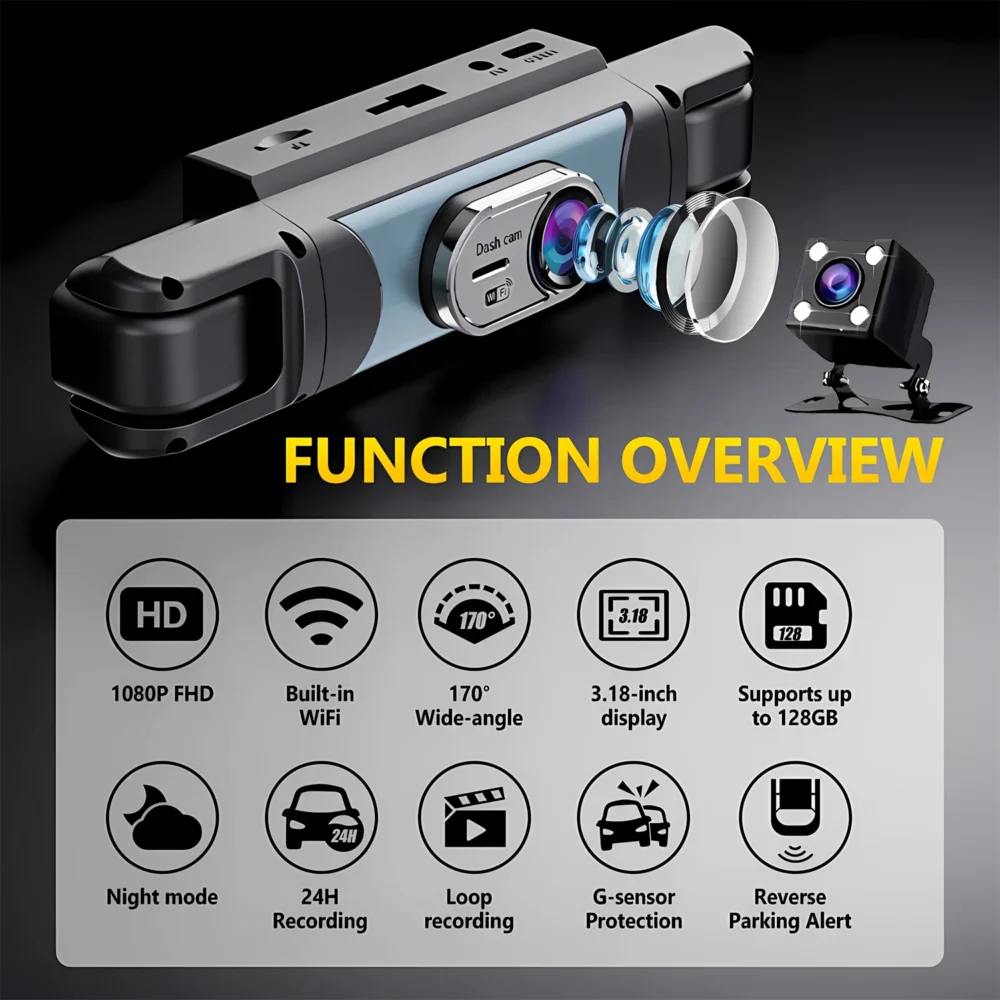
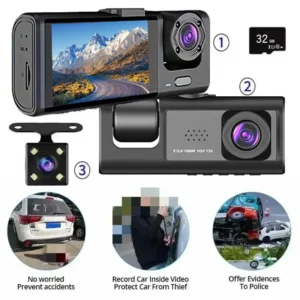
The Lunaris system provides multi-camera coverage to capture more of every drive. This unit records in 1080P FHD for both front and rear cameras, giving clear footage that is easier to review after an incident. It supports up to 128G memory, so you can store many hours of continuous footage without frequent card swaps. The built-in screen and compact enclosure make the Lunaris easy to position and access while keeping the cabin tidy.
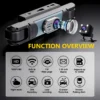
Key features at a glance
- Multi-camera coverage: Lens set delivers front and rear views to record events around the vehicle.
- 1080P FHD recording: High-definition video to capture license plates, road signs and contextual detail.
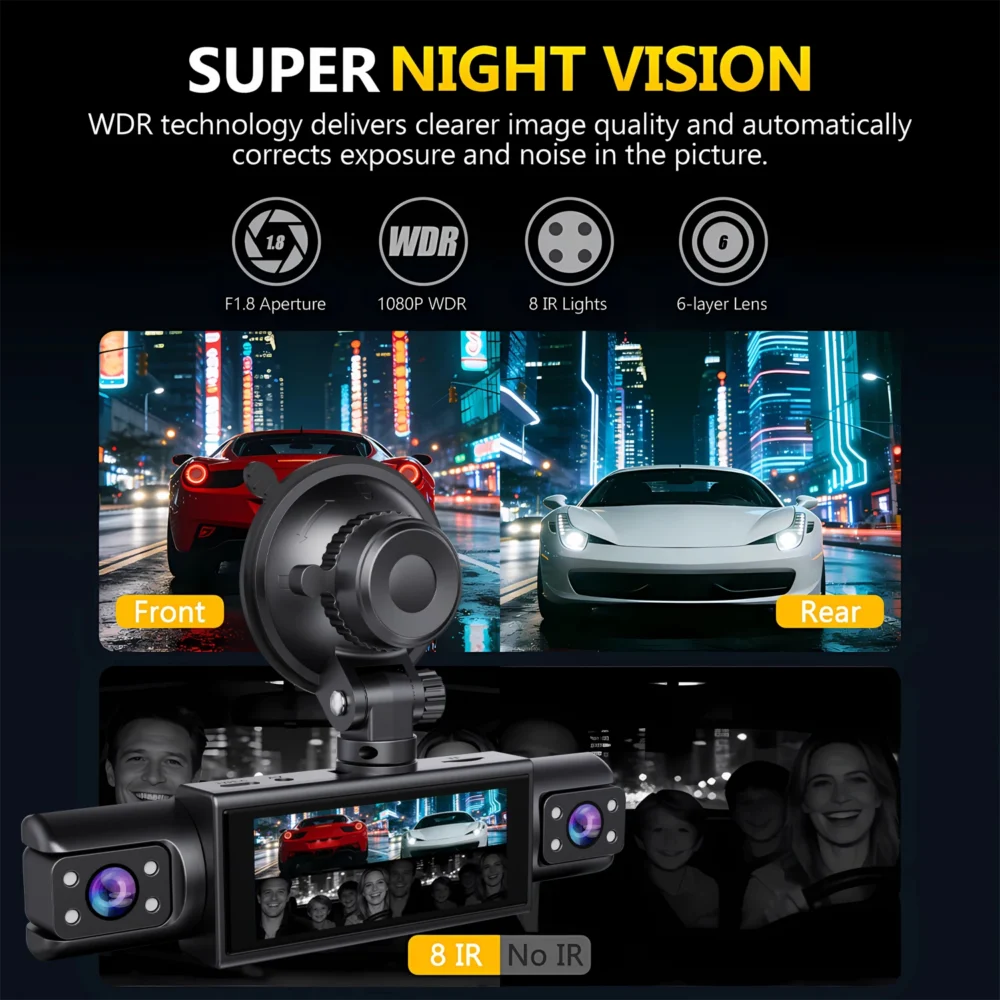
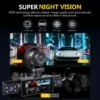
- NightShot night vision: Improved low-light performance for clearer night-time footage.
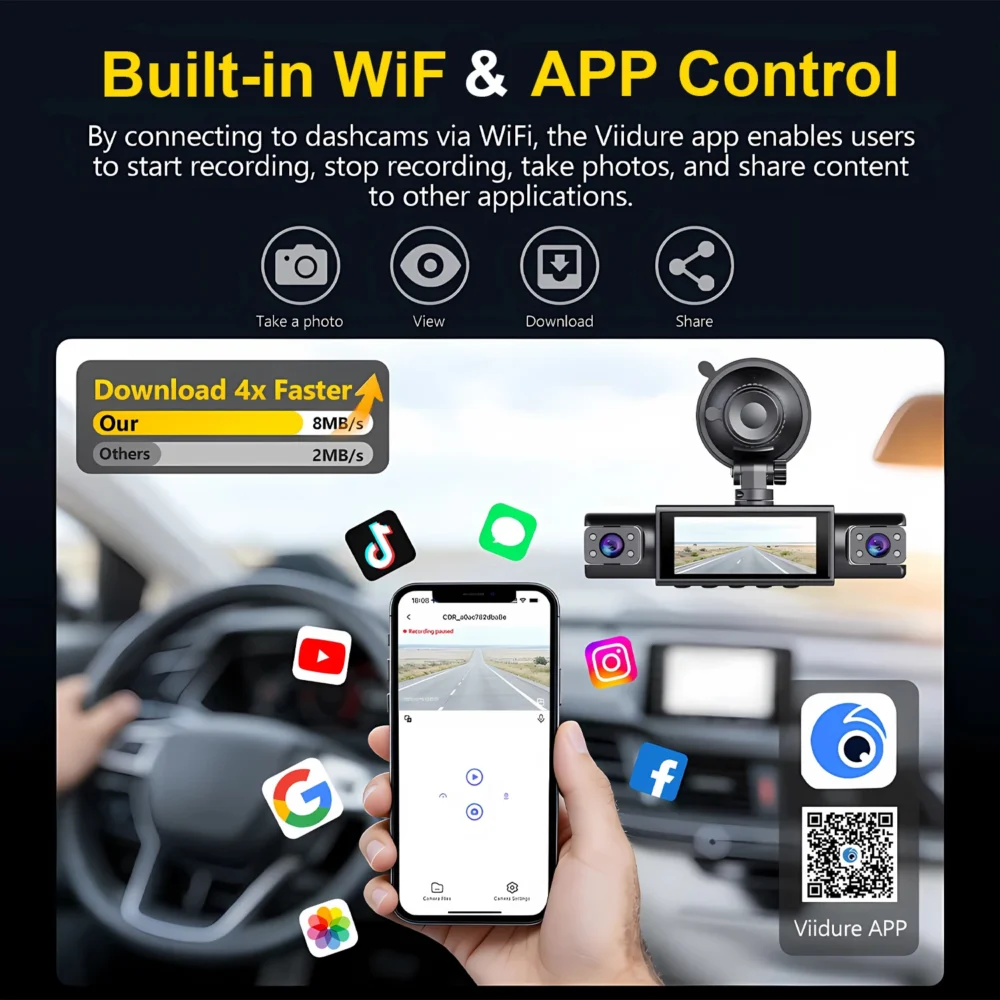
- WiFi playback & control: Connect via the Viidure app for viewing and downloading clips on your phone.
- Large storage support: Accepts memory cards up to 128G (format in-DVR on first use).
- Compact, user-friendly design: Built-in display and simple menu controls for fast setup.
Installation & WiFi setup
The Lunaris 4-channel car DVR dash cam is designed for straightforward setup. Before you connect the unit to a phone, install the WiFi companion app “Viidure” from the Apple App Store or Google Play. To pair the DVR to your phone, enter the DVR menu from standby by long-pressing the “M” key and open the WiFi settings to view the SSID and password. Then open Viidure on your phone, enter configuration mode, enable your phone WiFi, find the DVR SSID and enter the password. Once configured, you can view live playback, download clips and adjust settings through the app.
Memory card formatting
When you insert a memory card for the first time, format it using the DVR’s menu. This ensures the device properly recognizes and manages recordings. Do not format the card on a computer; always use the DVR’s format option to avoid compatibility issues.
Using reversing assist and 24-hour monitoring
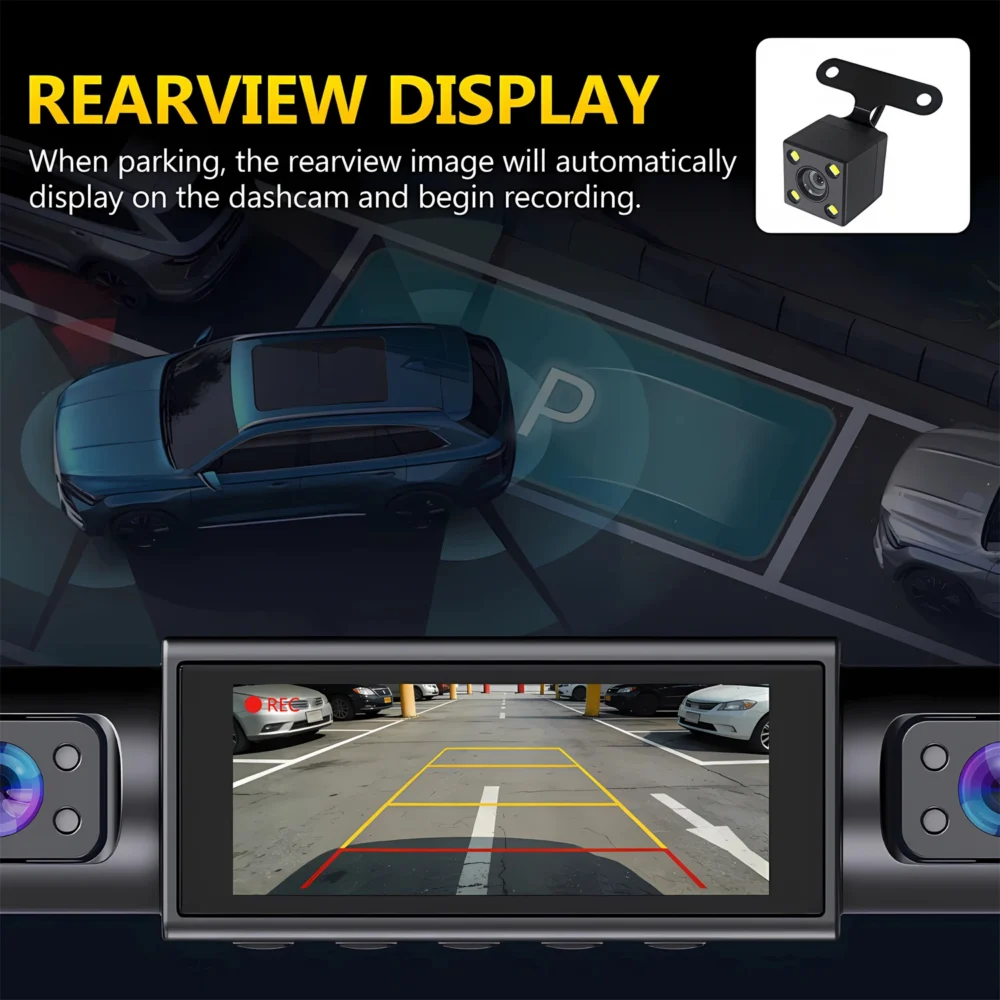
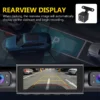
If your kit includes a rearview camera and you want reversing assist, connect the rear camera’s red signal wire to the vehicle reversing light circuit so the display switches when you engage reverse. If you do not need reversing assist, leave the red signal wire disconnected.
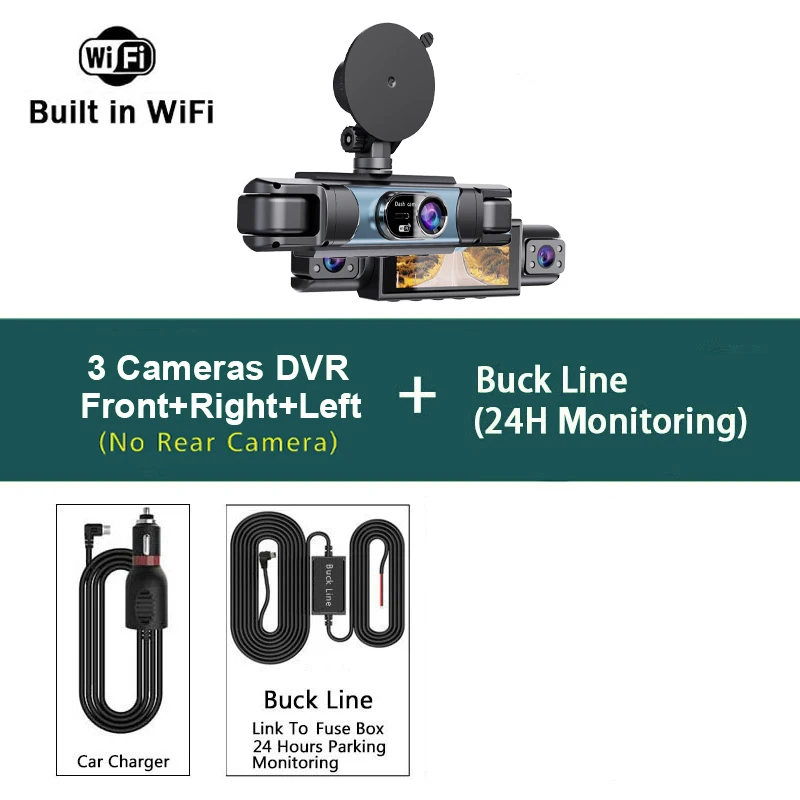
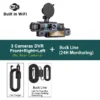
For continuous parking monitoring, the DVR can be powered directly from the vehicle battery or ACC using a Buck Line accessory in place of the car charger. This allows the unit to keep recording while the vehicle is off. Because vehicle wiring and interfaces vary by model, Lunaris recommends professional installation for Buck Line wiring rather than a DIY approach.
Everyday use and best practices
The 4-channel car DVR dash cam is intended to be a practical on-vehicle recorder for daily driving and incident documentation. Keep these tips in mind:
- Always format new memory cards inside the DVR after installation.
- Check that the Viidure app is up-to-date for the best connection and playback experience.
- Verify camera angles after installation to ensure both front and rear views capture the intended fields of vision.
- For long-term parking monitoring, consult a qualified installer for Buck Line connection to avoid electrical or warranty issues with your vehicle.
What you’ll appreciate about Lunaris
Lunaris focuses on practical, reliable recording with features you can use day-to-day: clear 1080P footage, a simple on-device interface, WiFi access for quick review and downloads, NightShot for improved low-light scenes, and support for up to 128G of storage. The 4-channel car DVR dash cam balances straightforward operation with the coverage many drivers want for evidence and peace of mind.
If you have questions about WiFi pairing, formatting the memory card, reversing assist wiring or selecting Buck Line accessories for 24-hour monitoring, consult the included quick guide or contact a qualified car electronics installer. Lunaris’ design keeps routine operation intuitive while offering the features needed for comprehensive in-vehicle video recording.

Recensioni
Ancora non ci sono recensioni.